
Common problems
Our solutions

The Microsoft 365 security baseline changes over time
A configuration that was appropriate months ago may no longer reflect current platform capabilities or risks.

Continuously monitor security posture
Regularly assess the tenant for misconfiguration, exceptions, control gaps and relevant platform changes.
Findings do not automatically become improvements
Assessments often produce long lists that internal teams do not have time or specialist capacity to remediate.
Prioritise and execute protective remediation
Turn posture findings into an agreed roadmap and implement the changes that reduce the most meaningful risk.
Microsoft 365 requires specialised attention
The platform and security roadmap change too quickly for many small internal teams to follow continuously.
Add continuous expert guidance
A dedicated ACEN expert reviews posture and priorities with the customer and helps keep the environment aligned over time.

"Endpoint protection is most effective when every managed device follows a clear baseline and exceptions are treated as deliberate, visible decisions."
Kristof LaerenberghMicrosoft Security Architect and Team Lead at ACEN 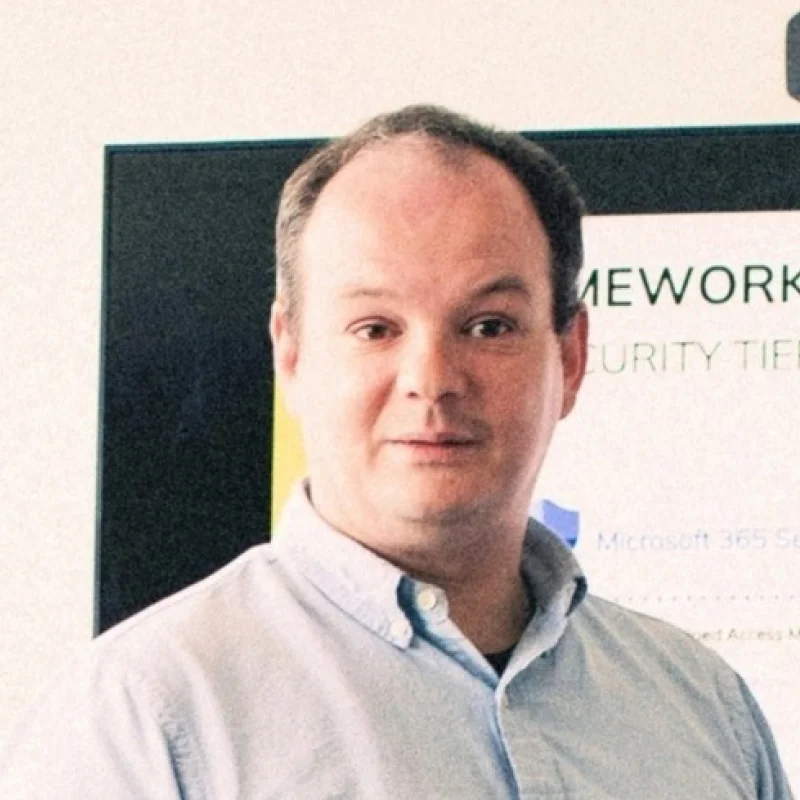
"We realized that managing an M365 environment is a job on its own. You have to be highly specialized to keep up with Microsoft's fast-changing roadmap. I was able to convince our management that with ACEN, we are bringing in a team of professionals who are ready 24/7."
Johan DuyckIT-coördinator at Federaal Planbureau 
"Securing a Microsoft environment has become a specialisation in itself. With this model, an organisation does not buy separate tools, but the guarantee that its security posture stays up to date 24/7."
Jahirt RuizCybersecurity Expert at ACEN 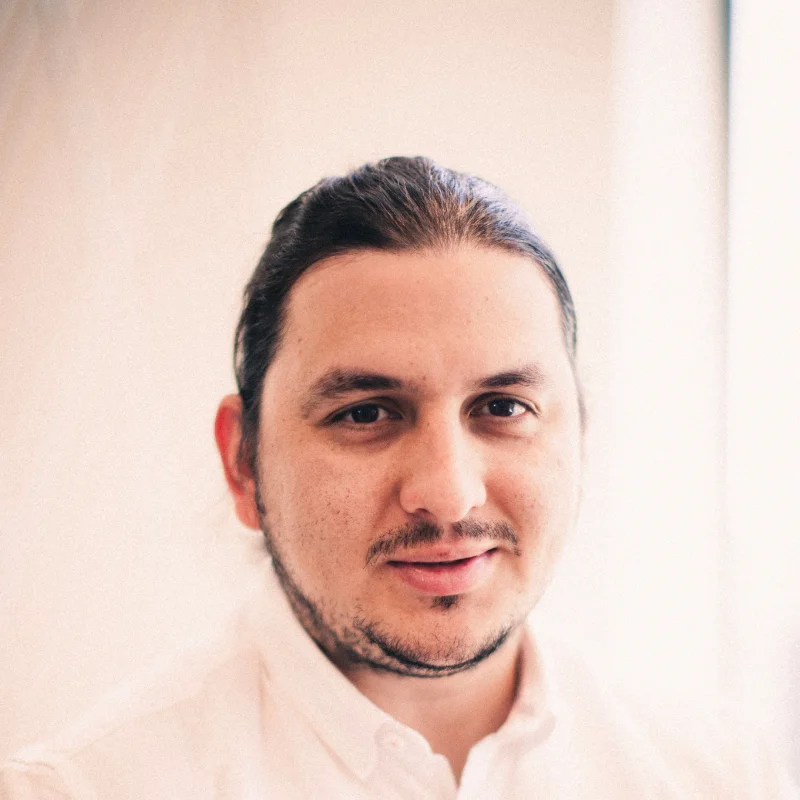
"Device management turns security requirements into a repeatable operating model. The objective is consistency, not a collection of one-off configurations."
Security TeamACEN 
"The depth of applicable knowledge and the flexibility that Wouter and the entire ACEN team provided were truly outstanding. Their expertise proved invaluable, significantly simplifying our path and enabling us to successfully achieve the desired outcome."
Dimitri GoosChief Information Security Officer at Sanoma 
“The strongest collaboration security combines technology with clear policy. Users need to work freely, but high-risk communication should not rely on judgement alone.”
Jahirt RuizCybersecurity Expert at ACEN
"Visibility and prioritisation are what turn a long list of cloud findings into a manageable remediation programme."
Security TeamACEN